
Description
Supplier invoice reconciliation—with the evidence and follow-up in one place
Supplier Invoice Reconciliation & Recovery Desk gives restaurant owners and purchasing teams a focused workspace for comparing invoice CSVs with approved price records, reviewing differences and following supplier questions through to a recorded outcome.
Instead of keeping invoice questions, calculations and credit updates scattered across separate notes, use a consistent process for reviewing the evidence and recording what happened.
Check the price before you pay the difference
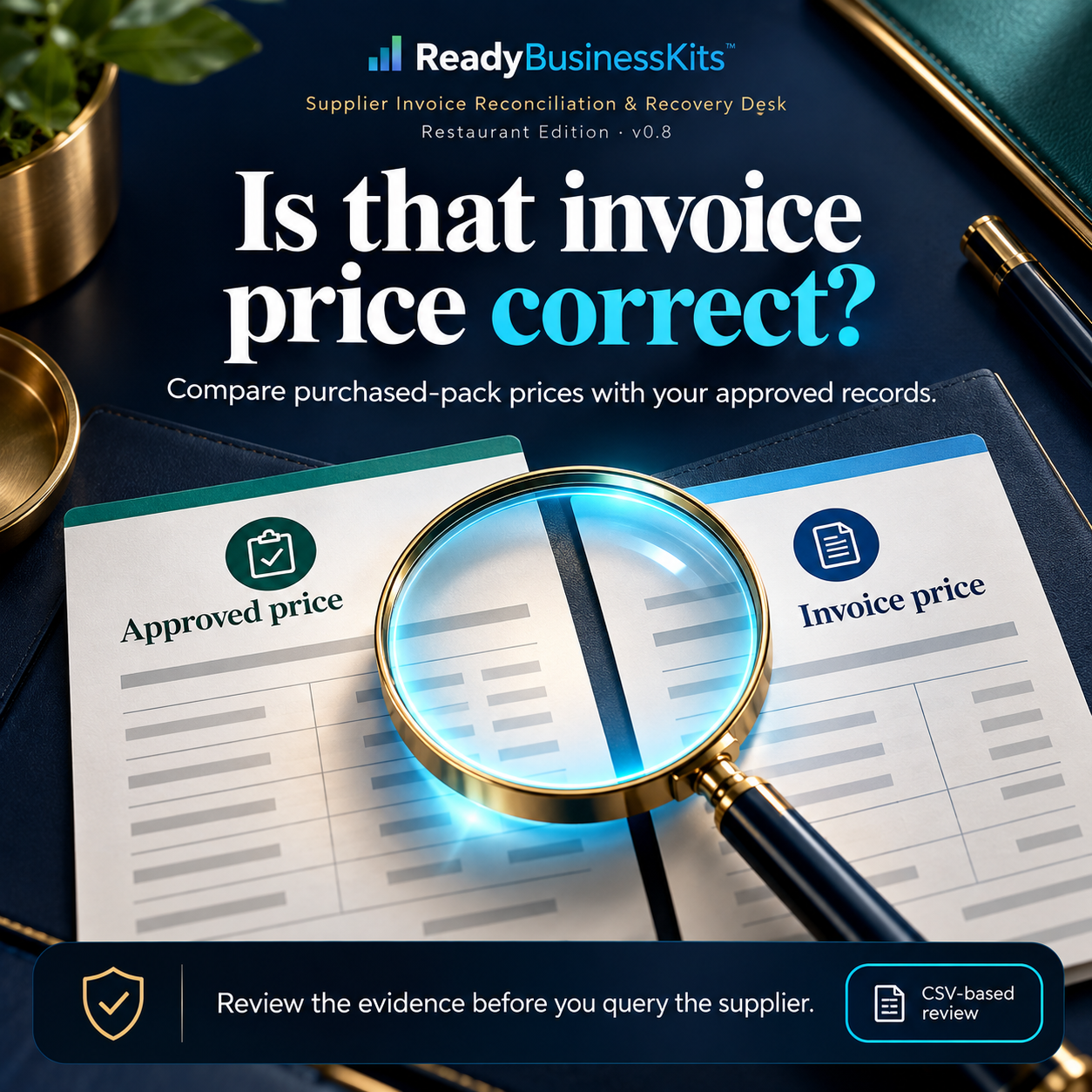
A changed case price can have several explanations: a legitimate increase, a different pack size, an outdated agreement or an invoice error.
This desk helps you inspect the difference before contacting your supplier. Import your approved prices and completed invoice lines, review comparable pack prices and inspect the supporting calculation.
Resolve uncertain product matches before treating a difference as a supplier query. You remain in control of what gets questioned.
One place for supplier invoice reconciliation
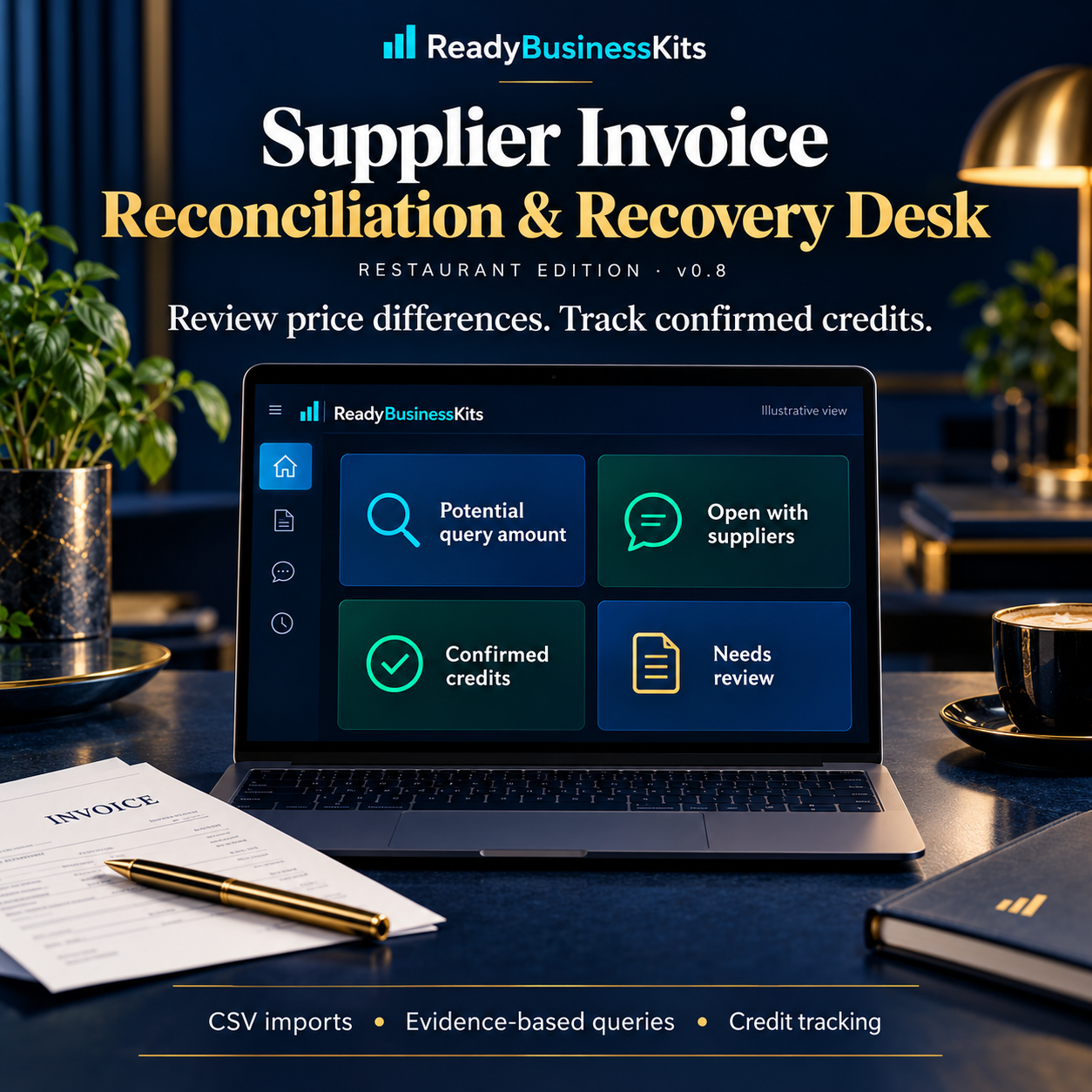
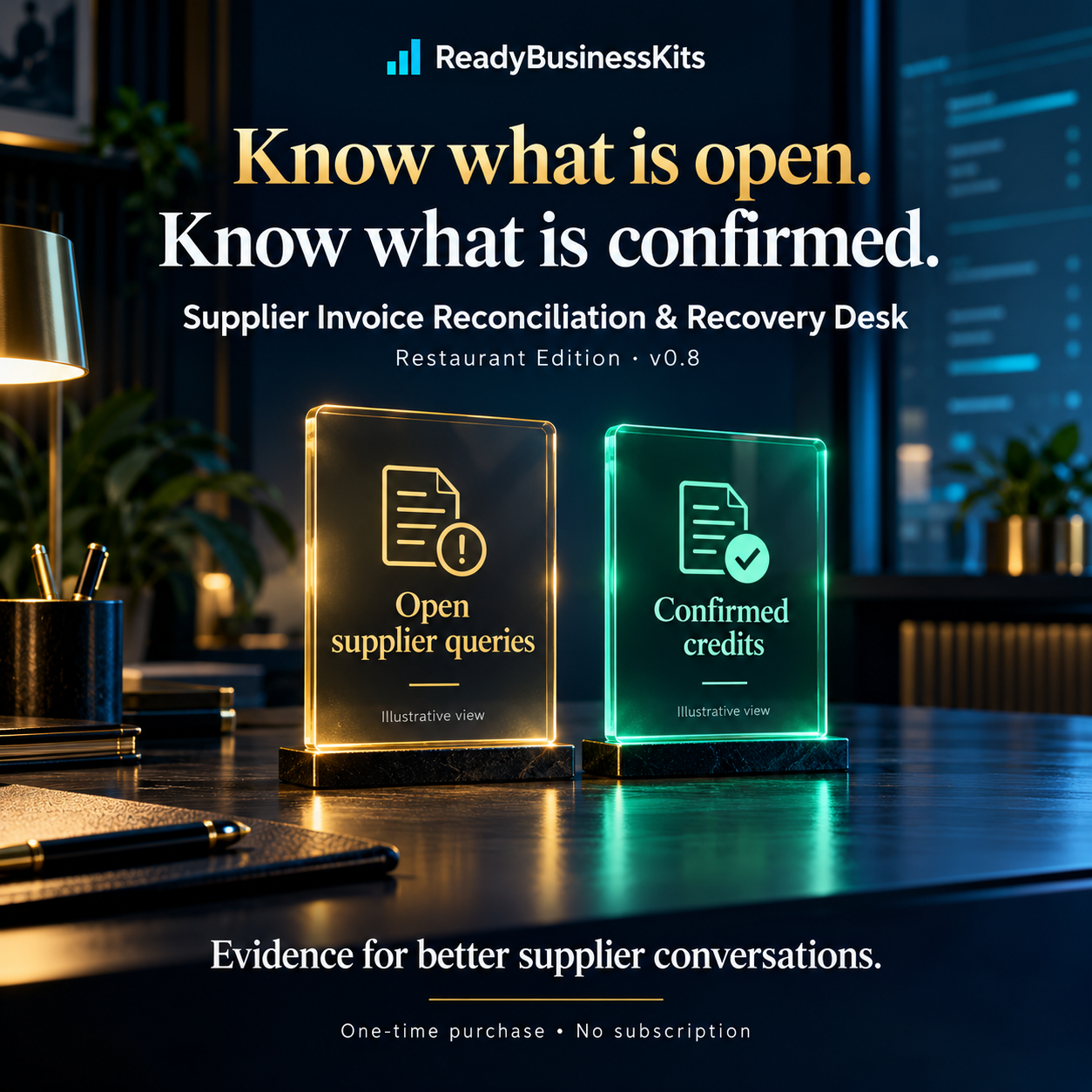
The dashboard separates potential query amounts, open supplier cases, confirmed credits and items that still need review.
See what requires attention without treating every flagged dollar as recovered money.
The application includes:
- Approved-price comparison: Compare invoice pack prices with your approved price records.
- Pack-size normalization: Compare different pack sizes when the base unit is the same and the products are verified.
- Match Review: Confirm uncertain item matches and remember supplier-specific mappings.
- Repeat-import protection: Skip exact repeated invoice lines and hold out conflicting supplier/invoice/SKU rows.
- Source-linked evidence: Inspect the source records and calculation behind a price difference.
- Recurring issue visibility: Identify earlier related pricing exceptions in retained records.
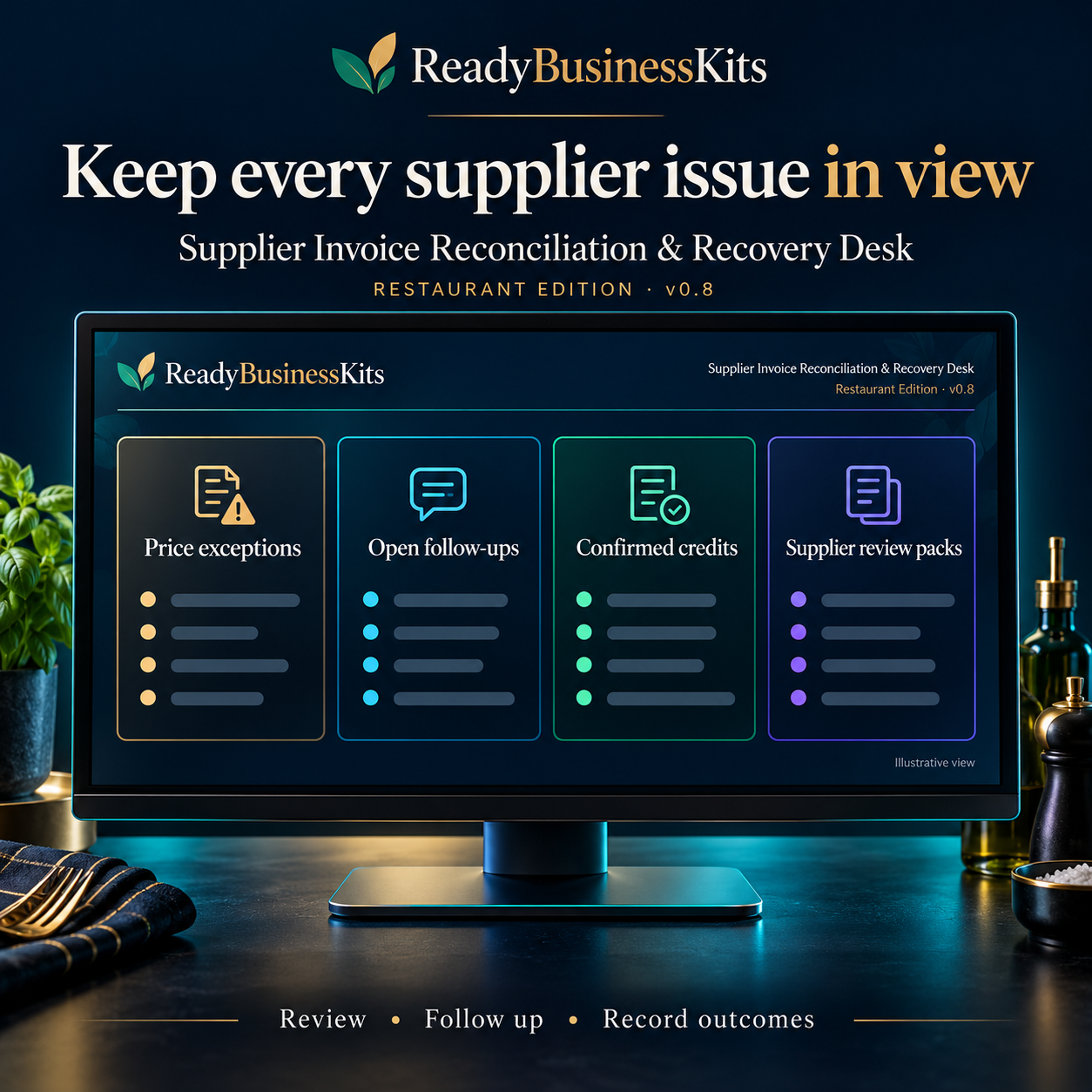
- Supplier scorecards: Review open amounts, confirmed credits, repeat issues and follow-up workload.
- Supplier review packs: Prepare a supplier summary and meeting agenda using your records.
Turn reviewed differences into a resolution workflow
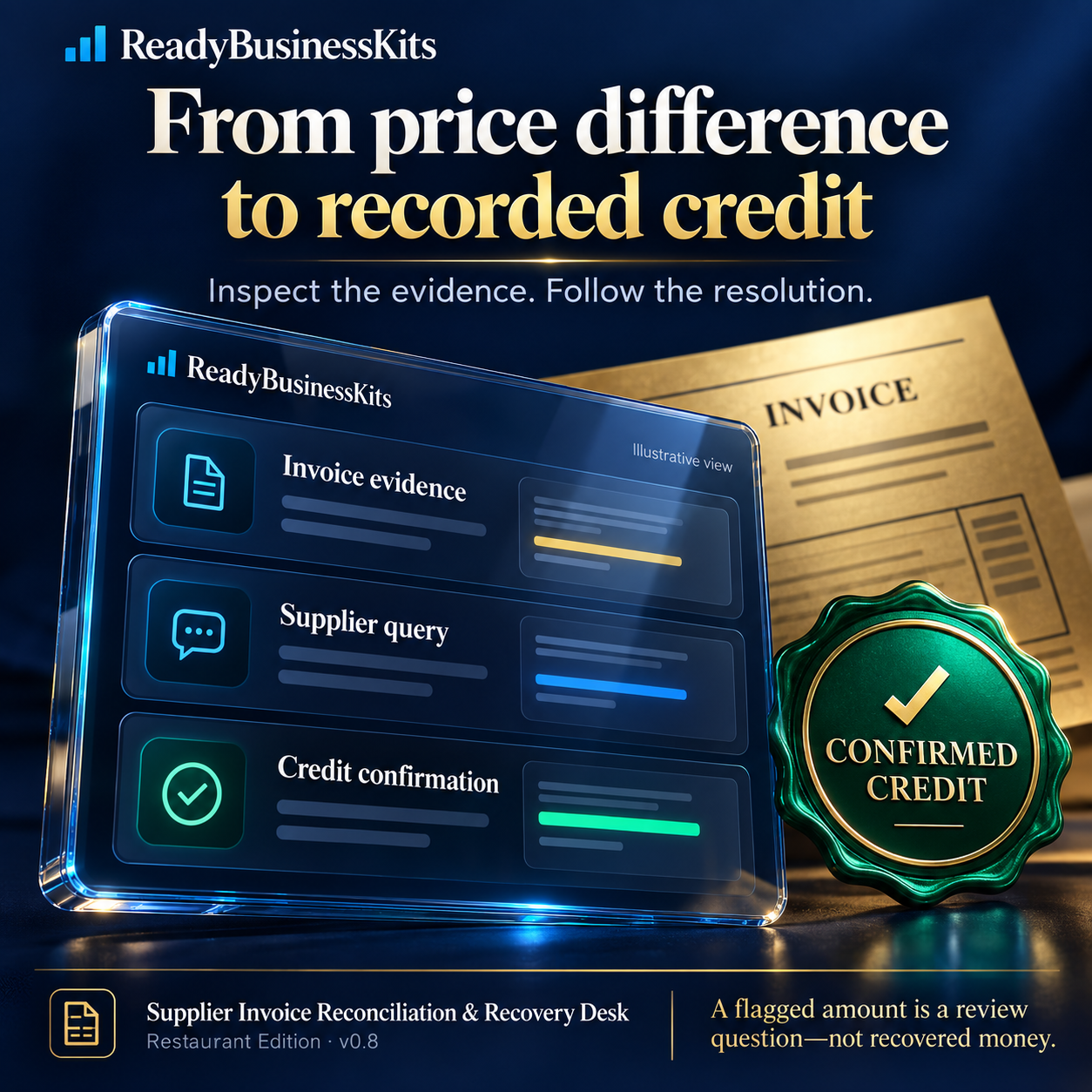
Open an exception’s evidence to inspect the invoice, approved price record and calculation. When you have verified the difference, approve the item for a supplier query.
The application prepares a neutral message asking the supplier to review the specific price difference. Copy that message into your own email application and send it yourself.
Mark the query as sent, then use the follow-up queue to keep unresolved cases visible. Record whether the supplier accepted, rejected or credited the case.
Supplier credit-note CSVs can link credits to their original invoice cases. Importing a credit note does not count it as recovered money. Confirmation is a separate step after you check that the credit was actually received or applied.
How the workflow works
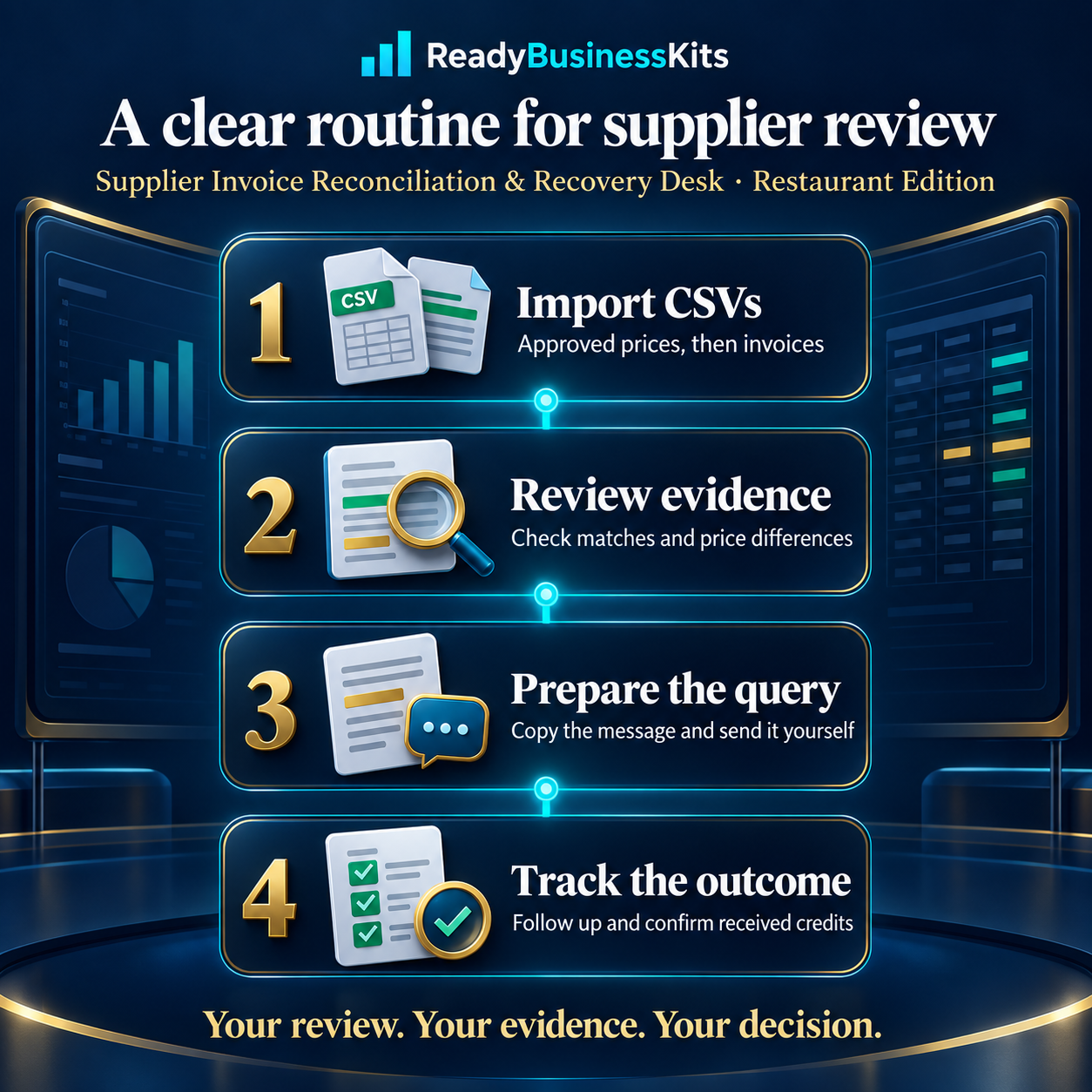
- Import CSVs. Load approved price records first, then completed supplier invoice lines.
- Review the evidence. Check product matches, pack units and price differences.
- Prepare and send the query. Approve reviewed exceptions, copy the supplier message and send it externally.
- Track the outcome. Follow up on open cases and record verified credits.
Start with the included fictional restaurant demonstration or the sample CSV files. The Quick Start walks through a specific practice case so you can learn the process before entering your own business records.
Everything included in your premium download
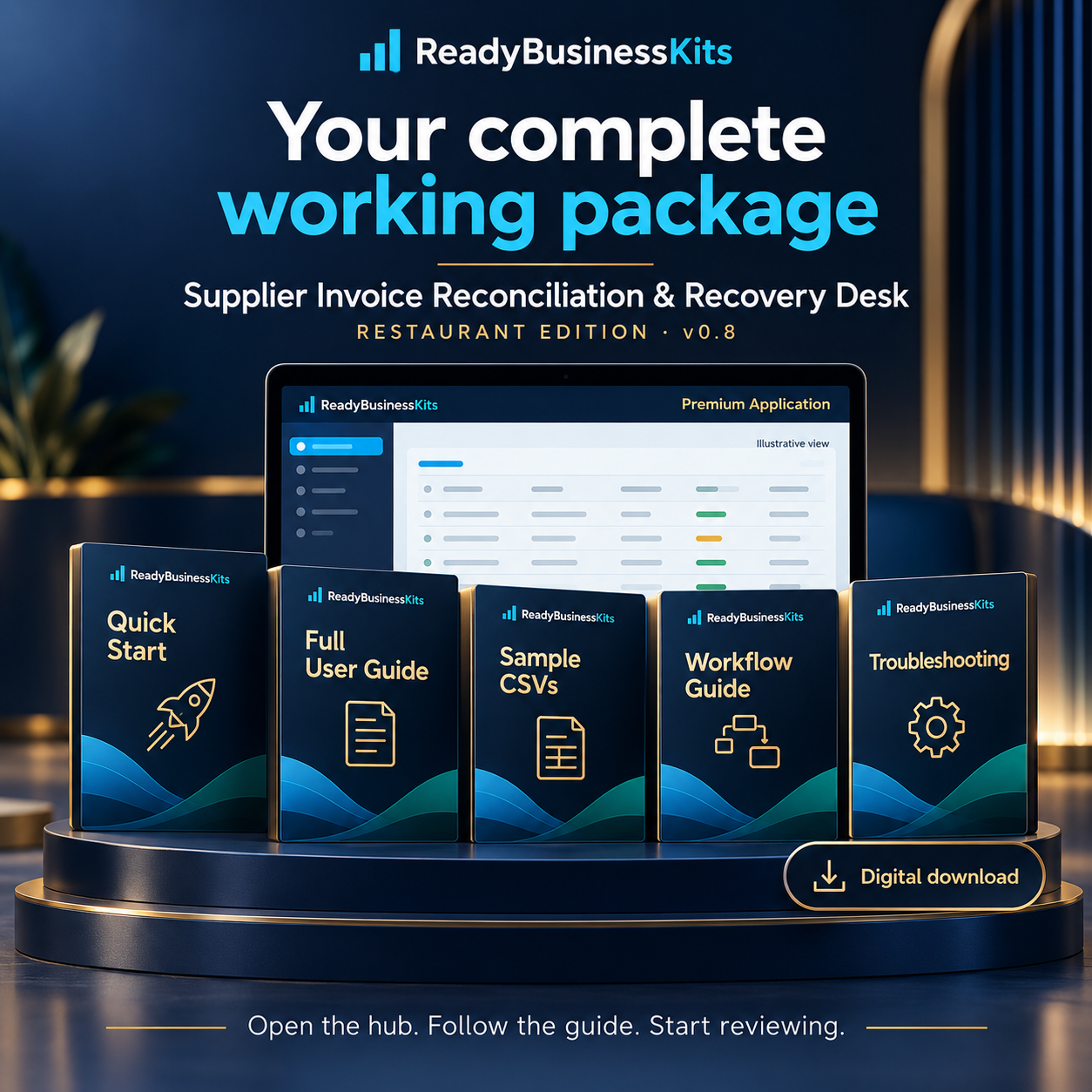
Your purchase includes:
- Supplier Invoice Reconciliation & Recovery Desk v0.8 — Restaurant Edition, with premium ReadyBusinessKits presentation.
- START HERE product hub with links to the application and guides.
- README FIRST opening instructions.
- Quick Start Guide with a sample walkthrough.
- Complete User Guide covering every application tab, import requirements and operating limits.
- Four sample CSV files: Approved prices, supplier invoices, credit notes and supplier quotes.
- Sample-data instructions with expected practice results.
- Supplier review workflow guide.
- Troubleshooting guide.
- Customer license and version information.
- Seven individual product images for reference, covered by the package’s no-redistribution license.
The application also includes an optional purchasing comparison for manually verified, like-for-like quote baskets. It compares basket totals using a simple delivery-threshold model.
Printable reports, CSV case and scorecard exports, and manual JSON backup and restore support your review routine.
Clear records for better supplier conversations
This tool is designed for restaurant owners, managers, purchasing staff and internal bookkeeping teams who have supplier data available as CSV files and want a repeatable process for reviewing price questions.
Use it to organize evidence, distinguish unresolved queries from confirmed credits and prepare for supplier discussions.
One-time purchase. No subscription.
Your application and resources arrive in a downloadable ZIP. Extract the entire ZIP, open START_HERE.html in your desktop browser and follow the Quick Start.
Requirements and important limits
This is a desktop-browser, CSV-based business tool. Amounts are displayed in USD. Working records are stored locally in your browser, with manual JSON backup and restore.
Download backups regularly.
The application does not read PDF or photo invoices, perform OCR, send emails, connect to accounting or POS systems, or synchronize records to the cloud.
Use one applicable approved-price record per supplier/SKU. Version 0.8 does not select historical prices by effective date.
Reports include all retained records rather than a selected calendar month. Confirming a credit closes its case, including a partial credit, so remaining balances must be reconciled separately.
Purchasing Compare requires matching quote packs and uses a simplified delivery-fee threshold. These limits are explained in the User Guide.
Gallery screens are illustrative presentations, not exact application screenshots.
Important: This is a business decision-support tool. A flagged difference is a review question, not proof that money is owed. Supplier recoveries, savings, profits and other financial results are not guaranteed.
Explore more business tools from ReadyBusinessKits.
Also explore Job Profit Truth Engine.
Reviews
There are no reviews yet.