
Description
Stop Running Your Catering Quotes, Costs and Production From Different Pieces of Information
catering quote to production tool
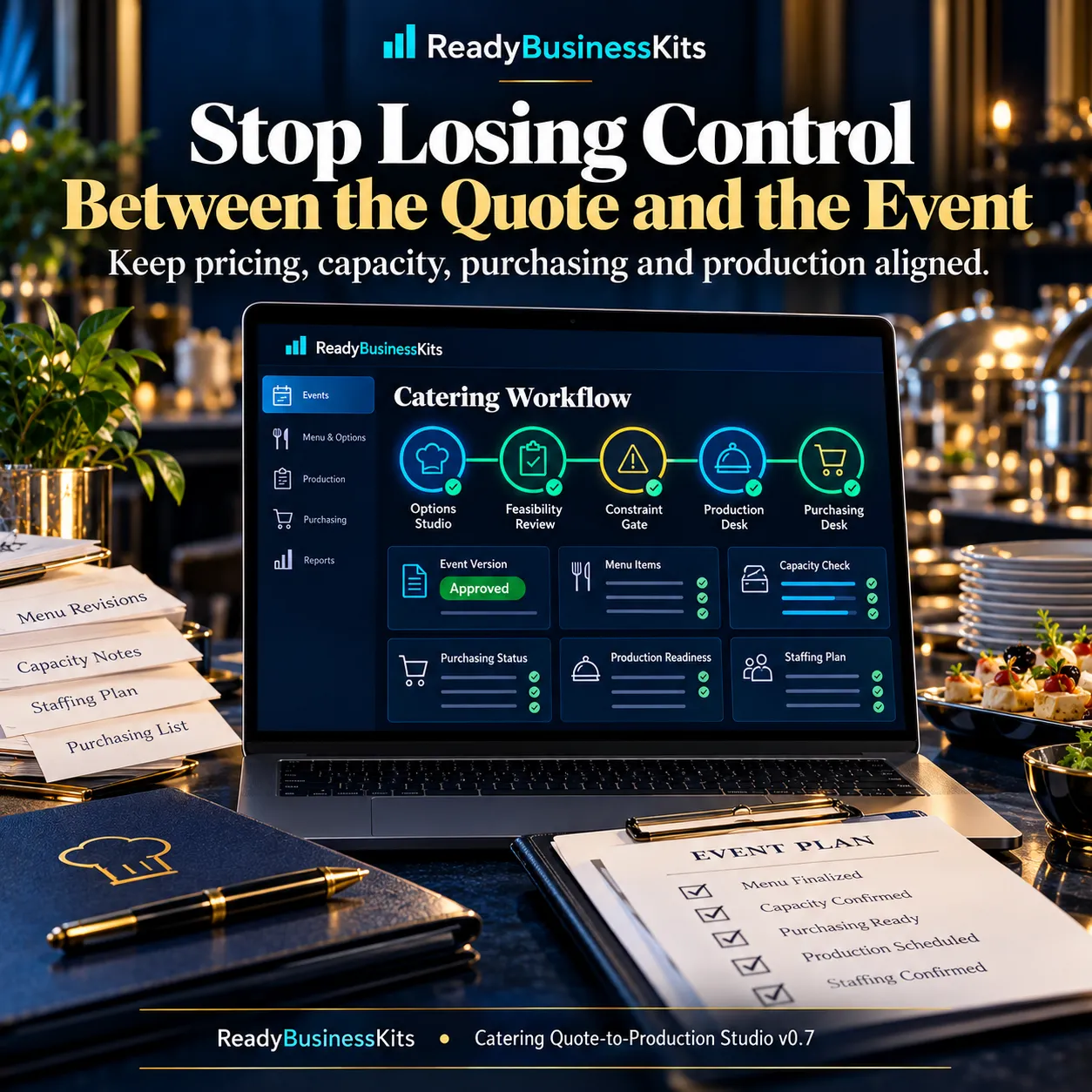
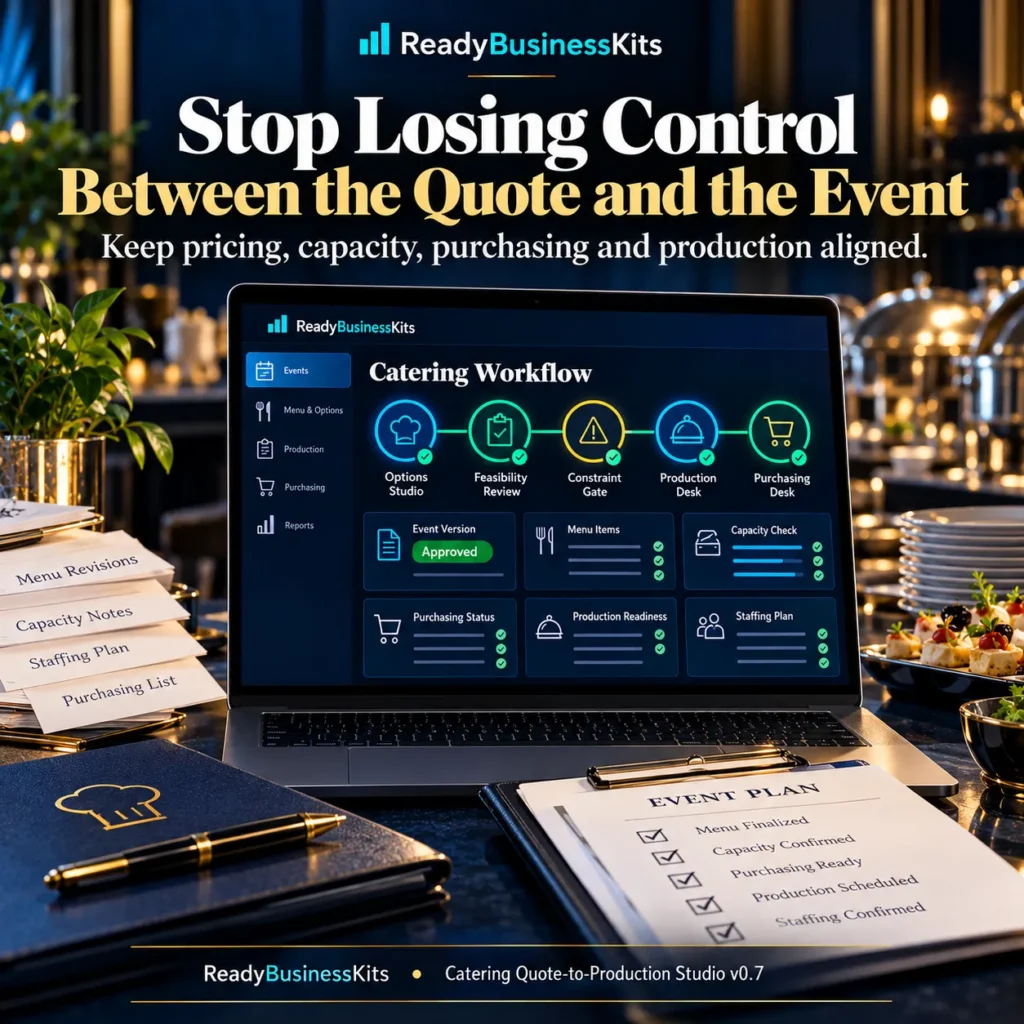
A catering quote can look profitable on paper and still create problems later.
Guest counts change. Staffing assumptions change. Food requirements increase. Purchasing quantities move. The kitchen may be working from one version while the client proposal reflects another.
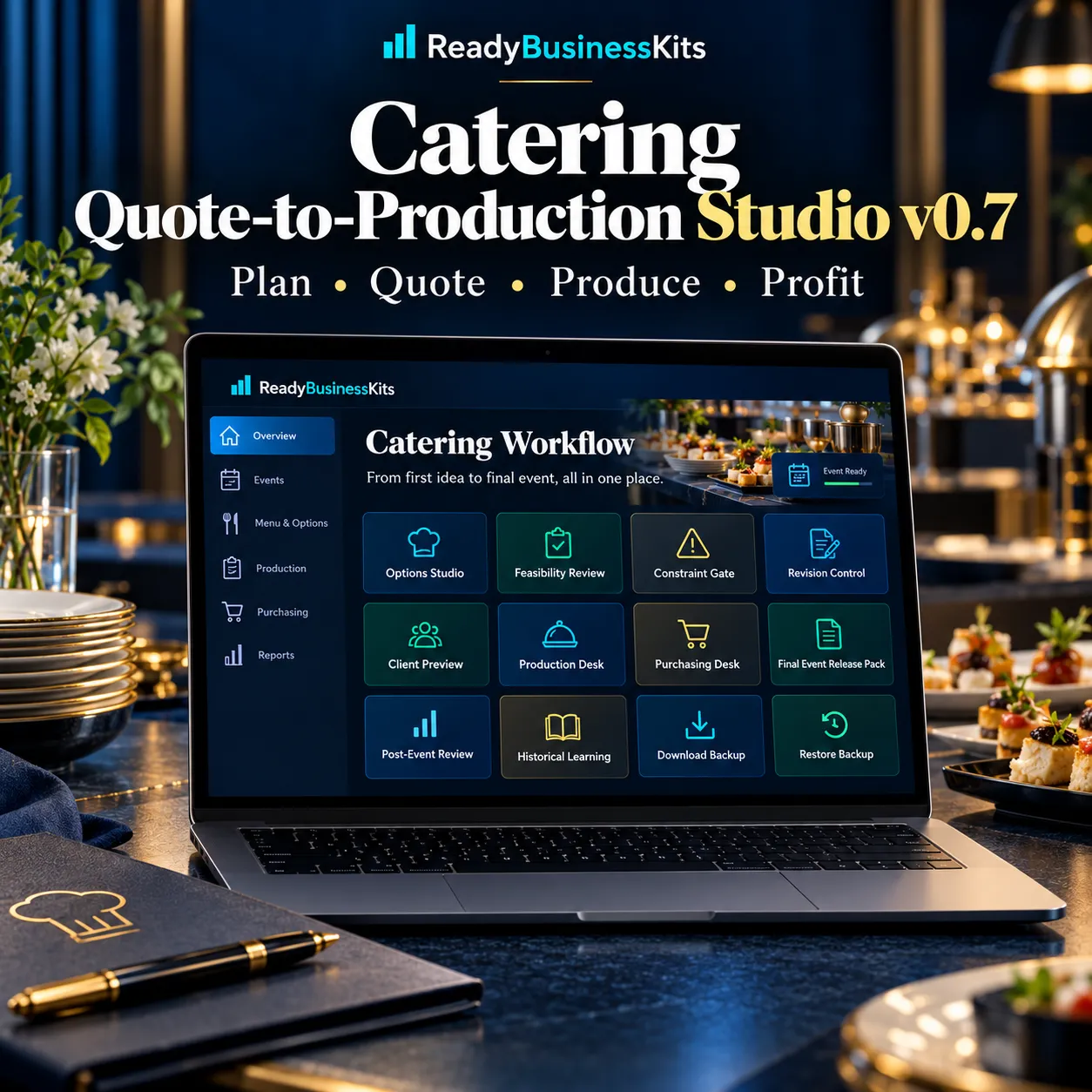
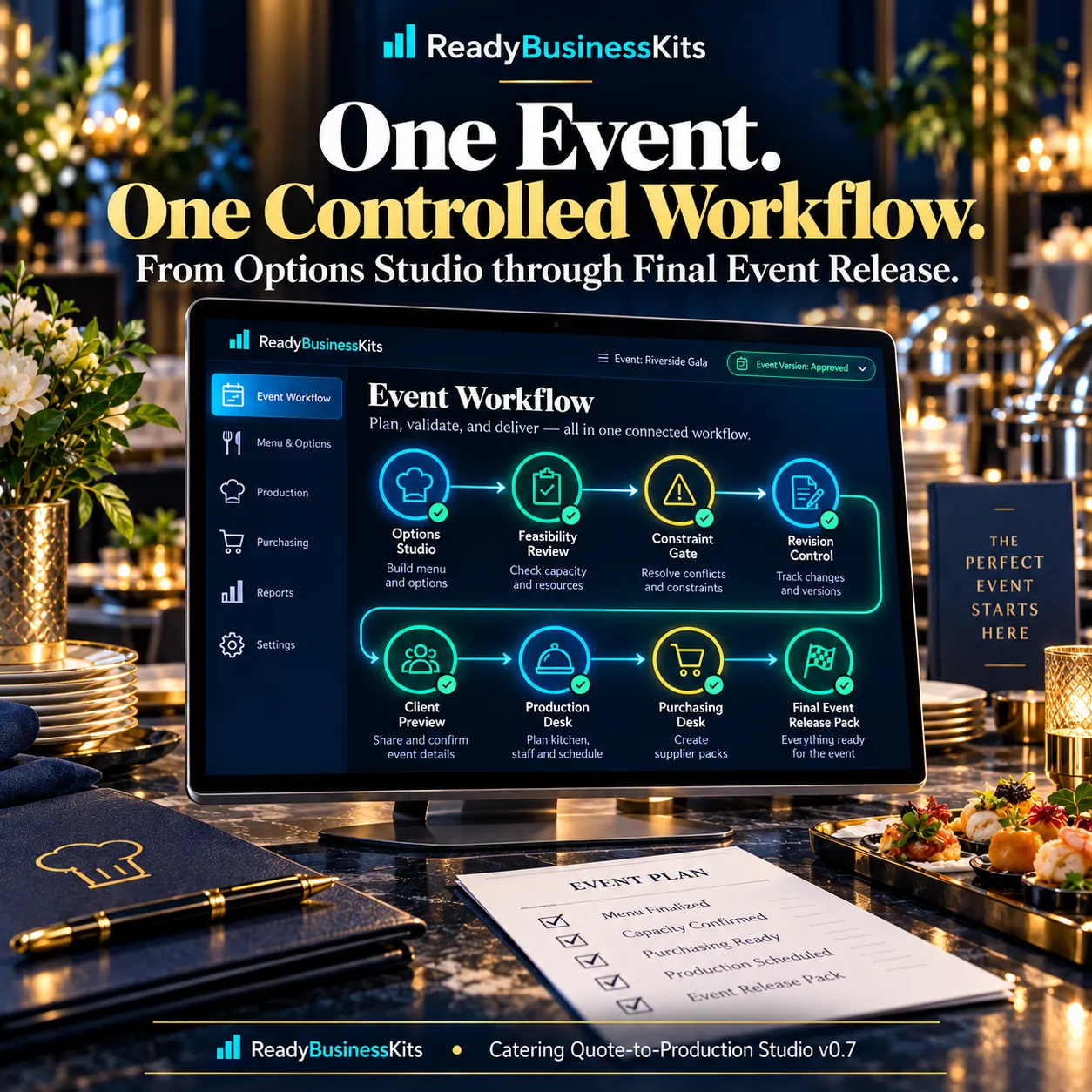
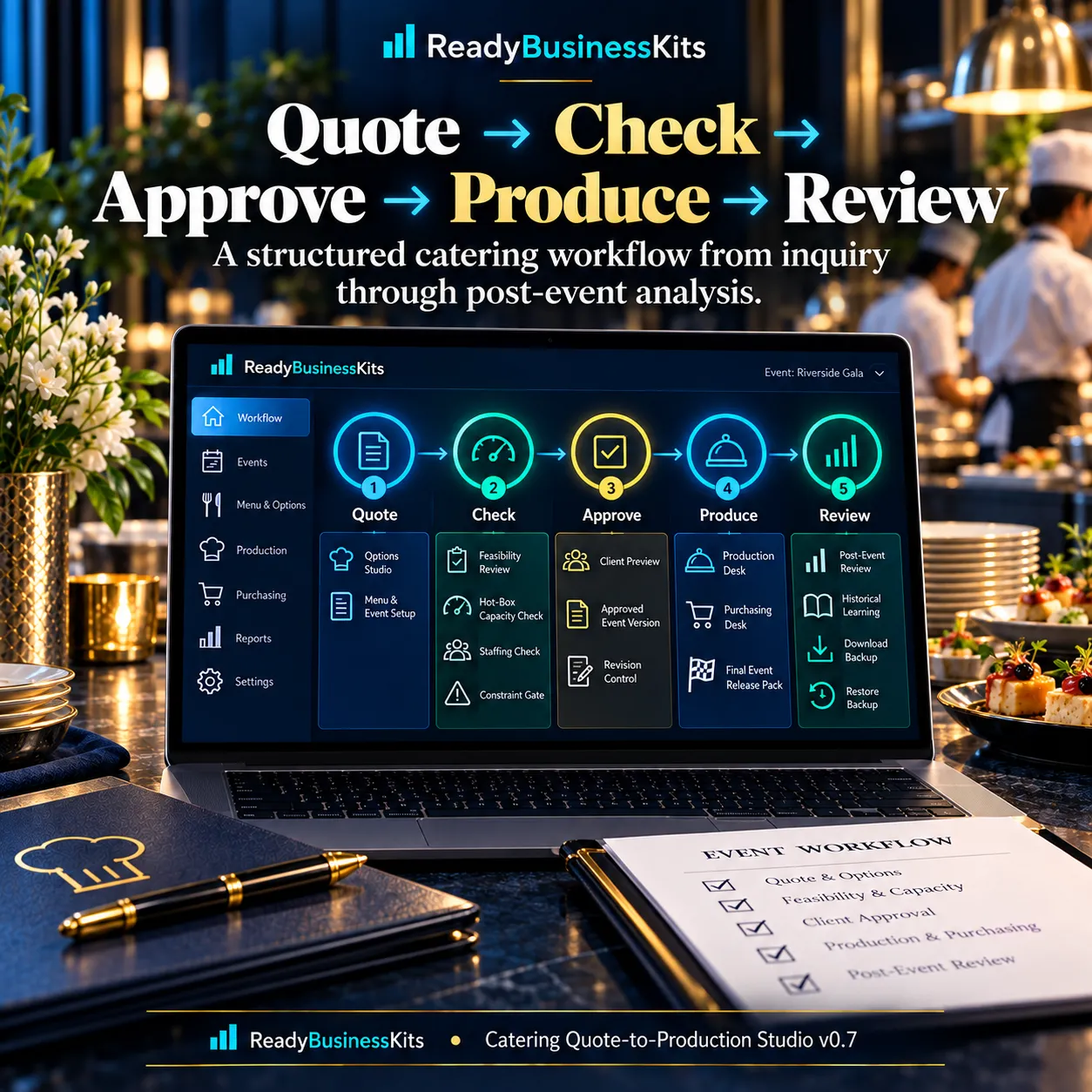
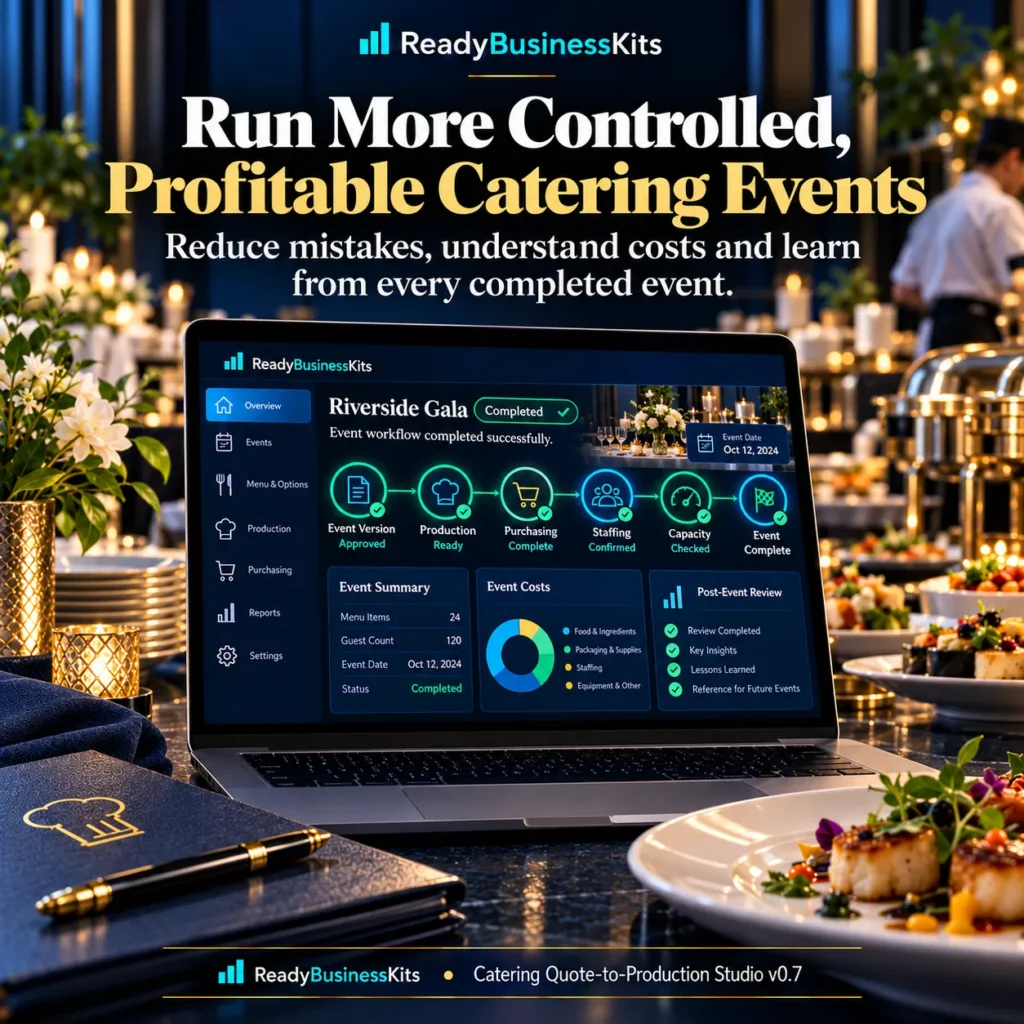
Catering Quote-to-Production Studio v0.7 brings those decisions into one controlled event workflow.
Build the event, model the economics, check critical capacity, approve a controlled version and use that same approved event to drive the client and production workflow.
One-time purchase. No subscription.
Built for Working Catering Businesses
This system is designed for:
- Independent caterers
- Small catering companies
- Restaurant catering operations
- Food trucks with event catering
- Corporate and private-event food businesses
- Owner-operated catering businesses
Instead of treating the quote as a standalone document, the Studio connects your event assumptions to the work required to deliver the event.
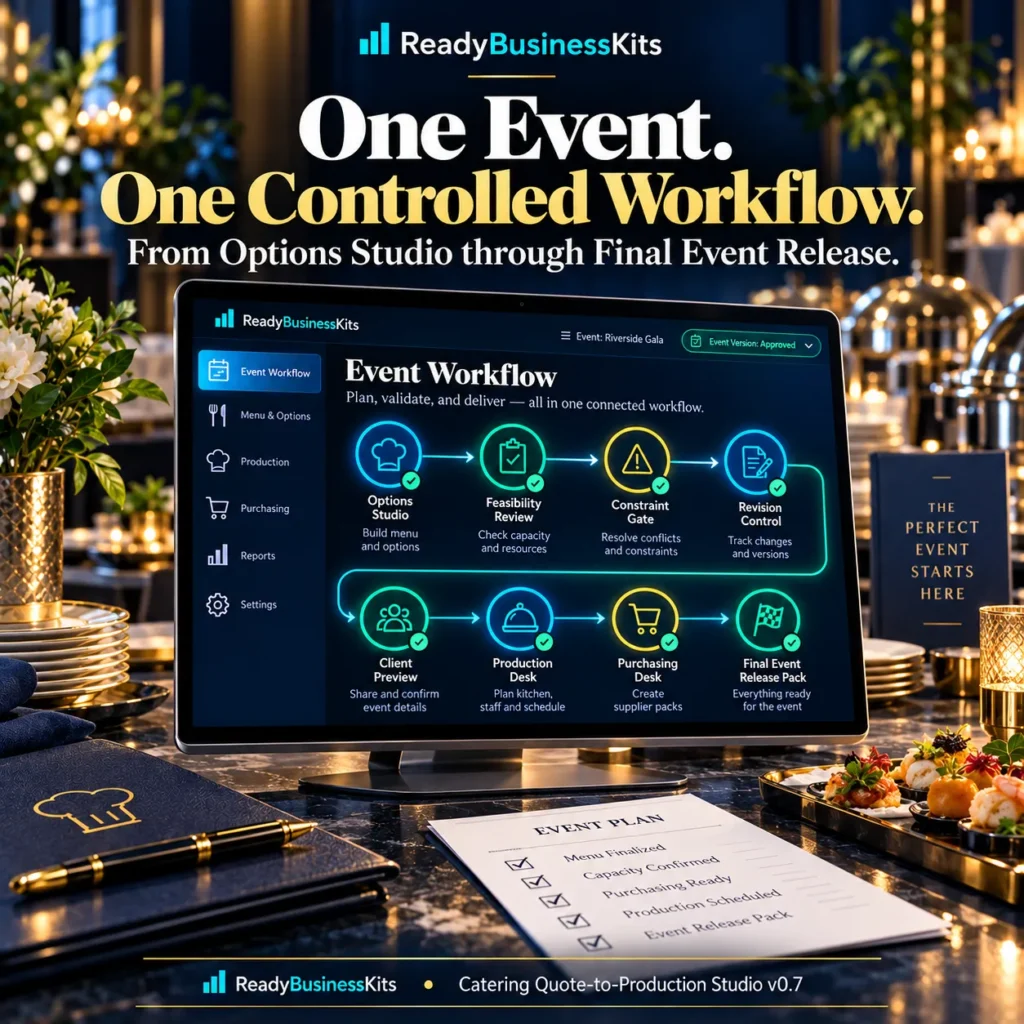
Build and Compare the Event Before You Approve It
Use the Options Studio to test the guest count, catering package, price per guest and service fee.
The system calculates and displays:
- Client price
- Direct cost
- Food cost
- Labor cost
- Other configured direct costs
- Contribution margin
- Production requirements
- Staffing requirements
- Hot-holding requirements
You can evaluate a draft before allowing it to become the active event version.
Identify Capacity Problems Before Release
The Constraint Resolution Desk checks important operational assumptions against the current event.
It can identify modeled shortages in:
- Available service staff
- Hot-holding capacity
When the current event exceeds entered capacity, the Studio can show the modeled guest cap under those assumptions or let you enter additional capacity you actually expect to secure.
The system does not hire employees or reserve equipment. It gives you a visible planning gate before you approve the event.
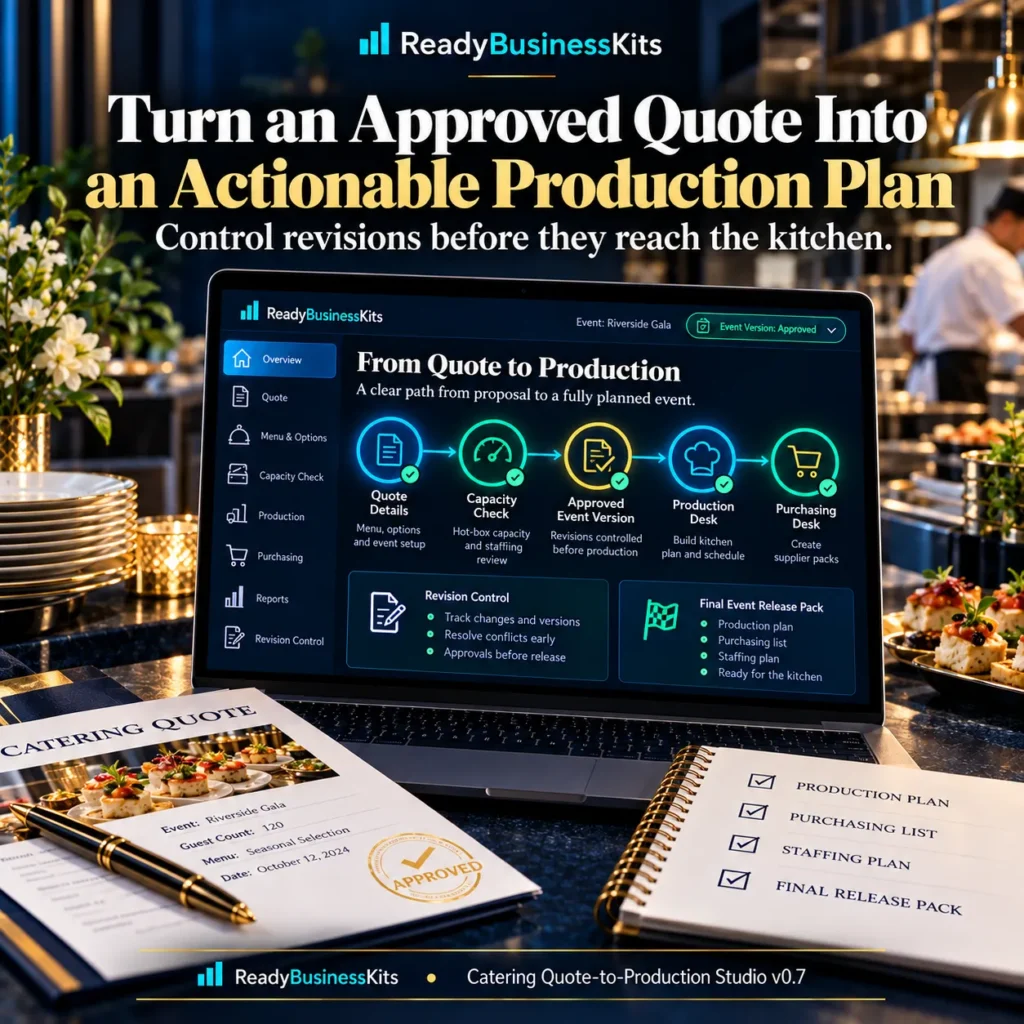
Keep Draft Changes Away From the Kitchen Until They’re Approved
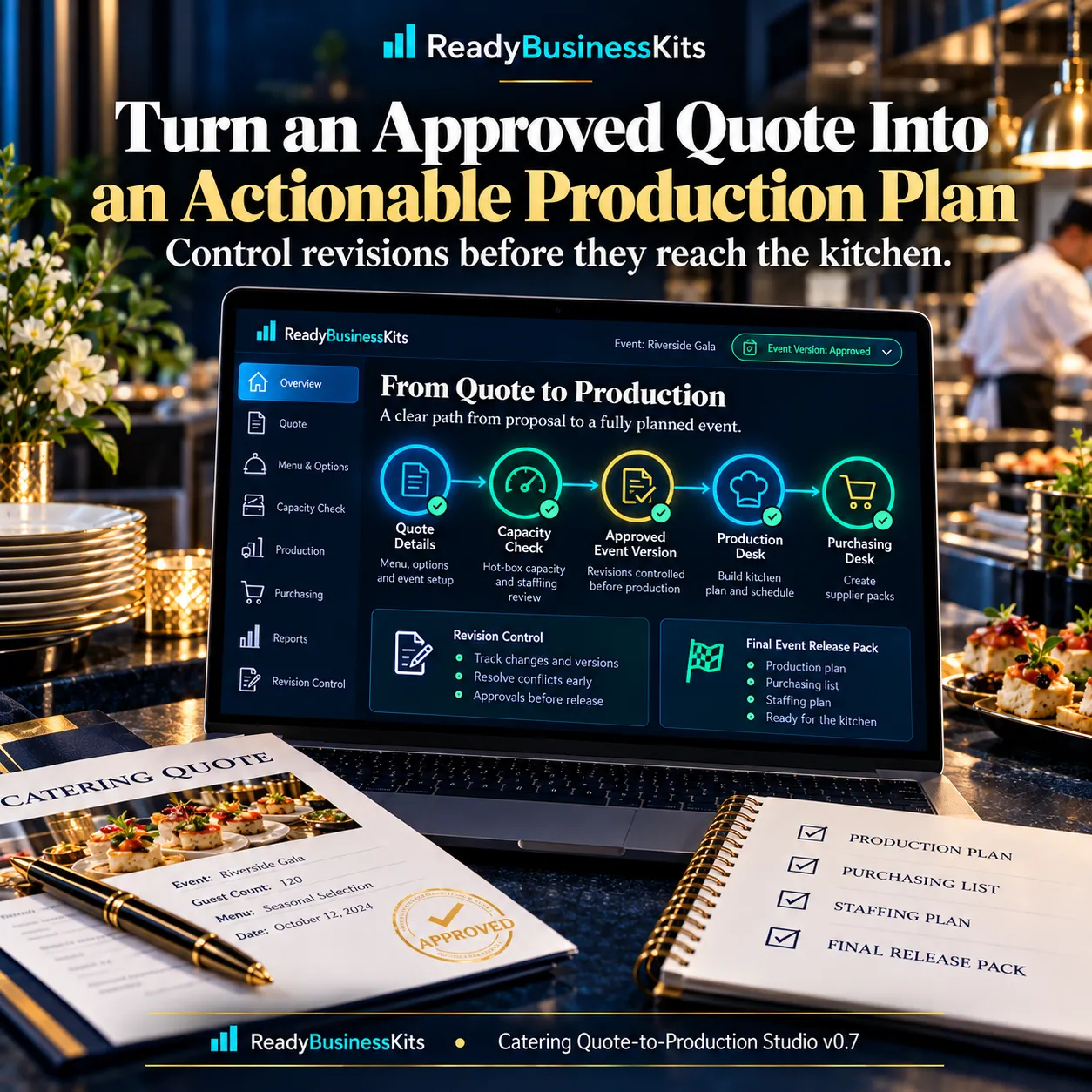
One of the strongest features of the Studio is Revision Control.
Changing the guest count or other event assumptions does not silently rewrite the active production plan.
The Studio keeps the current approved version separate from new draft changes.
Review the impact first.
Then deliberately approve the new version.
That means the client-facing and production-facing workflow can remain tied to the same controlled event version instead of different revisions circulating through the business.
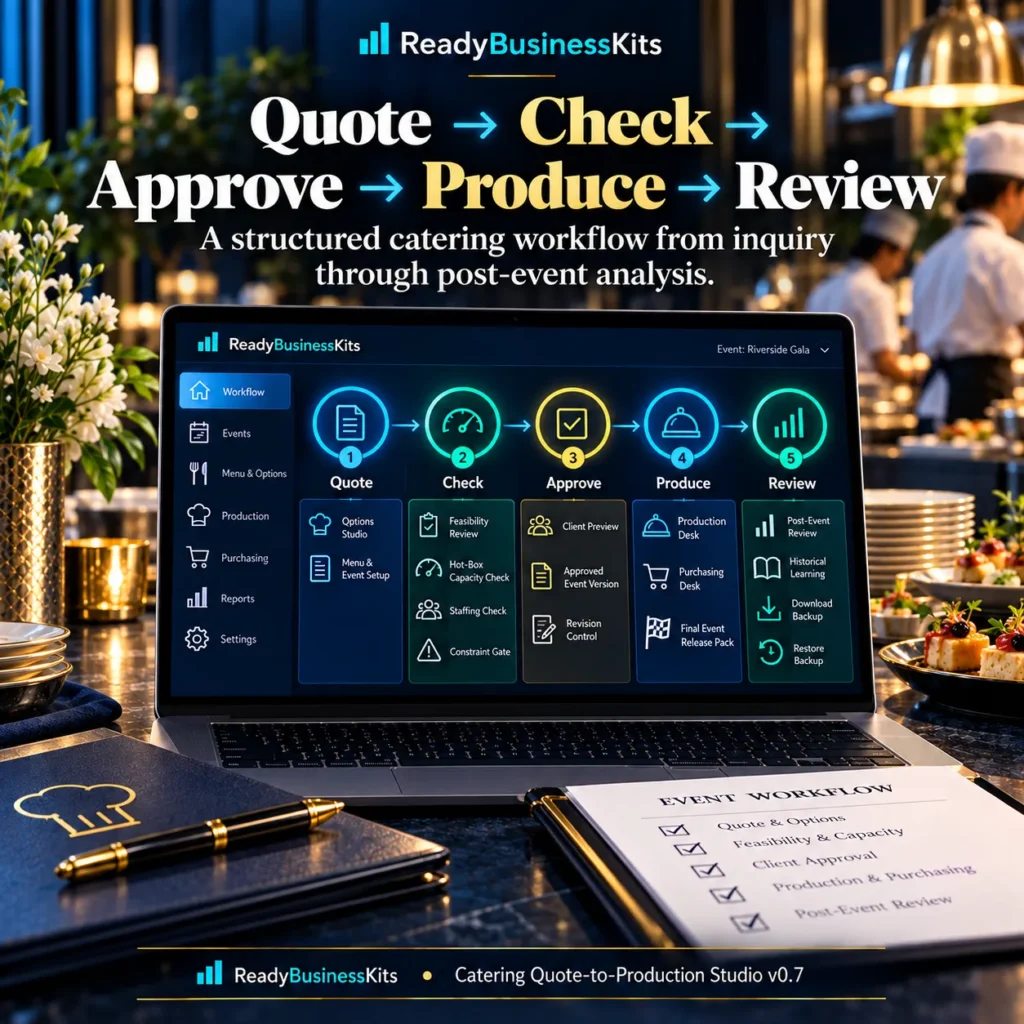
Turn the Approved Event Into Production Information
Once an event version is approved, the Production Desk creates synchronized operating information including:
- Kitchen Prep Plan
- Shopping List
- Packing / Load-Out
- Staffing Plan
The production information is generated from the approved event rather than from a disconnected worksheet.
Convert Production Requirements Into a Purchasing Plan
The Purchasing Desk takes approved production requirements and compares them with entered stock on hand.
Remaining requirements can then be converted into configured whole supplier packs.
This helps answer a practical question:
What do we actually need to buy for this approved event?
The purchasing list can also be exported as CSV.
Create a Controlled Client Proposal
The Client Preview uses the approved event version to create a clean proposal view.
You can:
- Review the approved event details
- Review the selected package
- Review the client price
- Print the proposal
- Save through your browser’s PDF print function
- Copy a concise proposal summary
This helps keep what the client sees aligned with the version being prepared operationally.
Final Event Release Pack
Before event day, the Final Event Release Pack performs an additional release check.
It reviews whether:
- An approved production version exists
- Unapproved draft changes remain
- Entered staffing capacity is sufficient
- Entered hot-holding capacity is sufficient
- Supplier-pack information is configured
- An event date has been entered
- A venue has been entered
The release pack displays READY or HOLD based on those checks.
It also brings together key event, production, purchasing, staffing and packing information for the final handoff.
Learn From What Actually Happened
The workflow does not have to end when the event is finished.
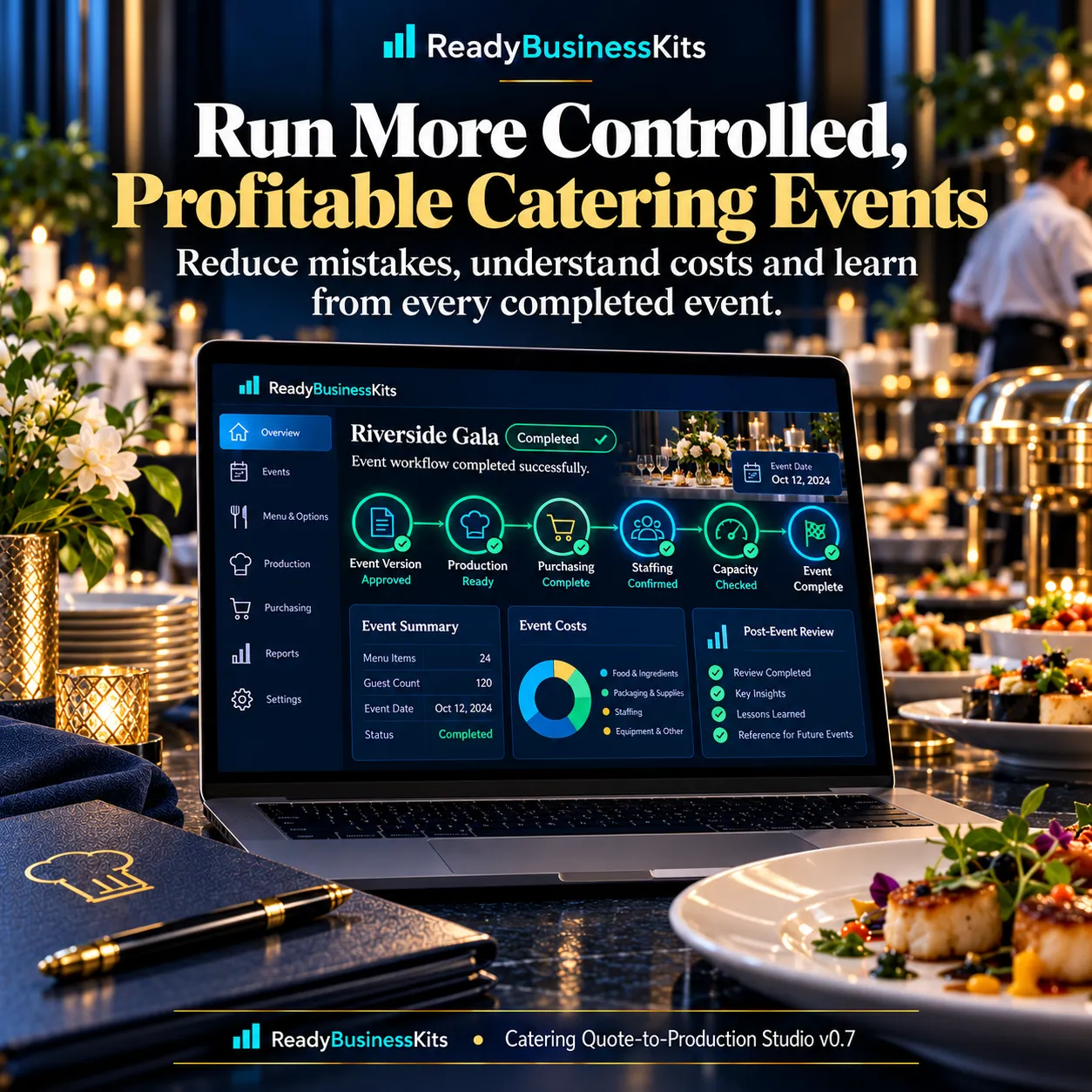
Use Post-Event Review to compare approved assumptions with actual results and identify cost or margin variance.
Completed event records can then feed Historical Learning.
Comparable events can provide review baselines such as:
- Median food cost per guest
- Median labor hours per 100 guests
- Median direct cost per guest
- Median contribution margin
Historical information is intended as a review aid for future quotes—not an automatic prediction of future results.
Your Data Stays in Your Browser
Catering Quote-to-Production Studio runs locally in a modern web browser.
Working application data is stored using browser local storage.
The Studio also includes:
- Download Backup
- Backup restore
- Clear Saved Data
- Start New Event while retaining historical records
Because this is browser-based storage, data does not automatically synchronize between computers, browsers or browser profiles.
Regular backups are strongly recommended.
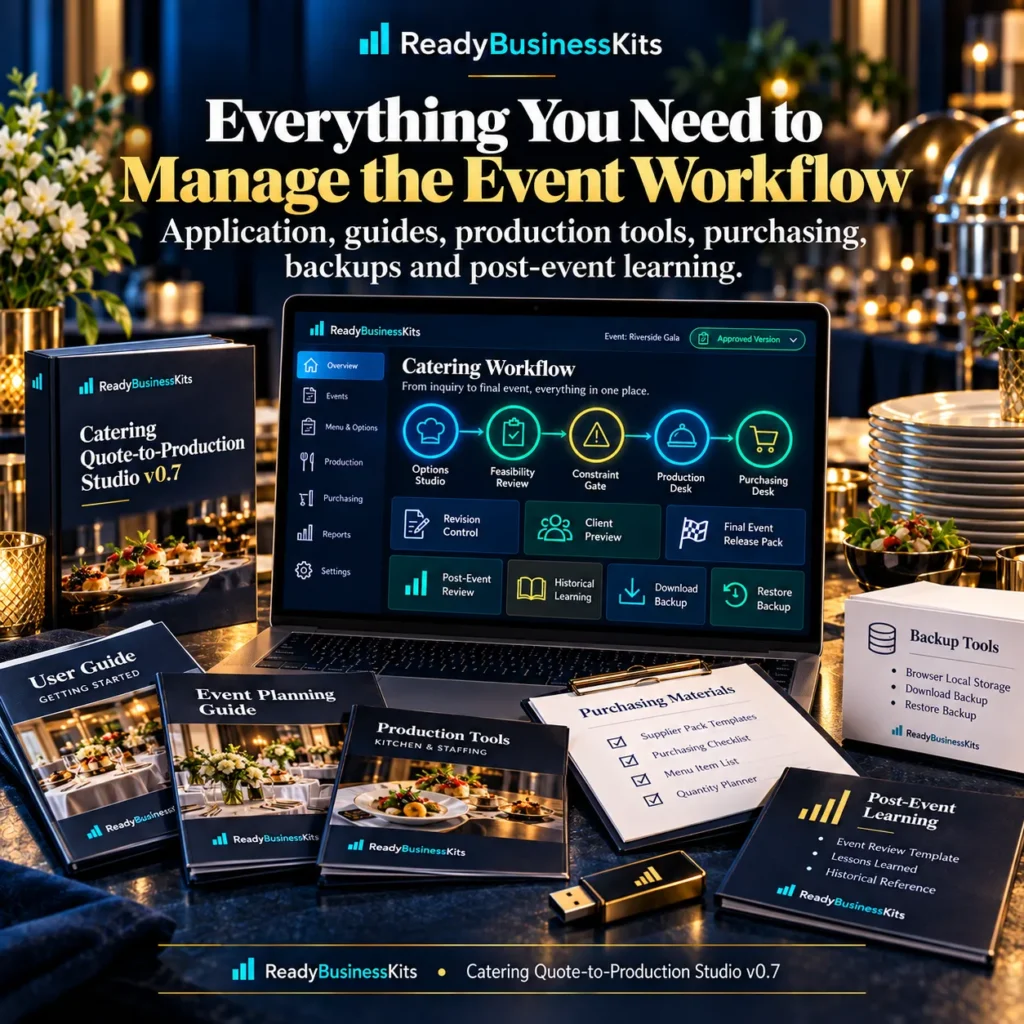
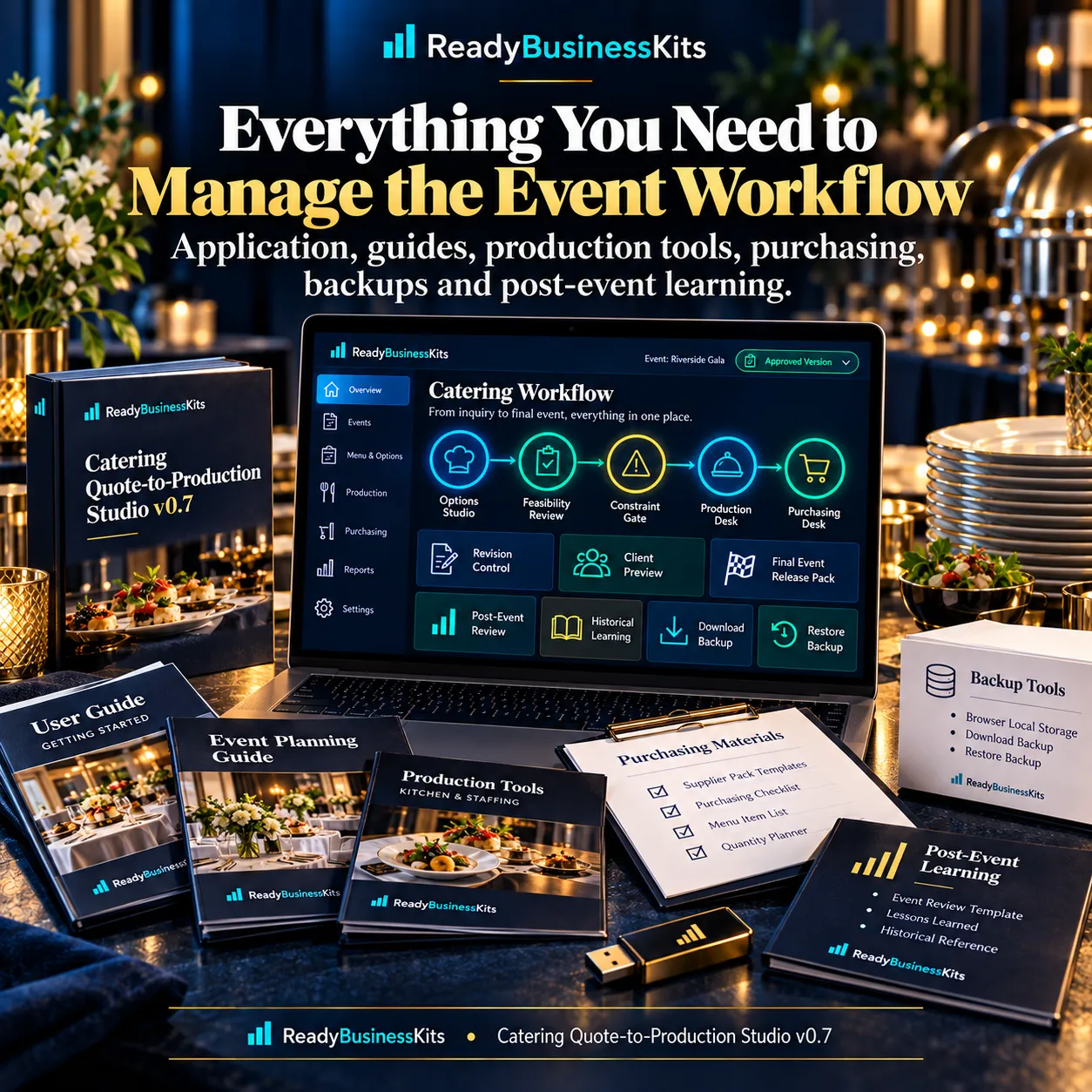
Everything Included
Your Premium Package includes:
- Catering Quote-to-Production Studio v0.7 application
- START HERE guide
- Quick Start Guide
- Complete User Guide
- Worked manual example
- Catering Quote-to-Production Workflow Guide
- Troubleshooting Guide
- License and version information
- Seven product/reference images
No installation program is required.
Extract the ZIP and open the application HTML file in a current desktop browser.
Important Business Use Notice
Catering Quote-to-Production Studio is a business decision-support tool.
Financial calculations depend on the costs, quantities and assumptions entered by the user.
Staffing, capacity and equipment checks are planning aids and do not guarantee that an event can be safely or successfully executed.
The purchaser remains responsible for food safety, legal and regulatory requirements, taxes, venue restrictions, transportation, equipment, staffing, purchasing quantities and final business decisions.
The product does not guarantee profits, contribution margins, bookings, catering contracts, savings or revenue results.
One-time purchase. No subscription.
Reviews
There are no reviews yet.